Super Unity Sprite Editor v.1.1.0
I was incredibly annoyed by Unity's built-in Sprite Editor, so I built my own. Super Unity Sprite Editor is an open-source, completely free project.
Want to support the author? Give me a job. I don't need money.
You can test app right here!
What Is It?
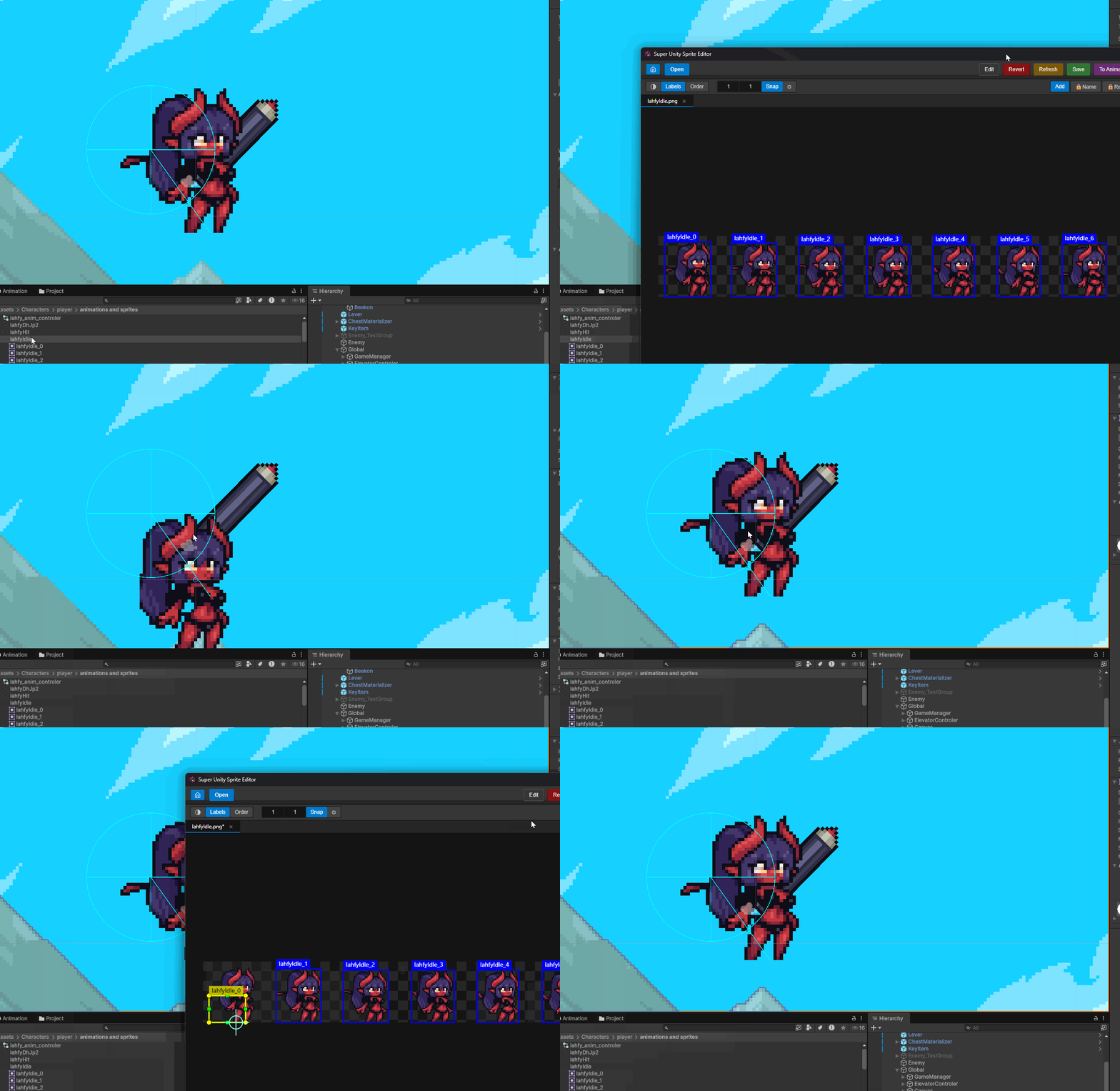
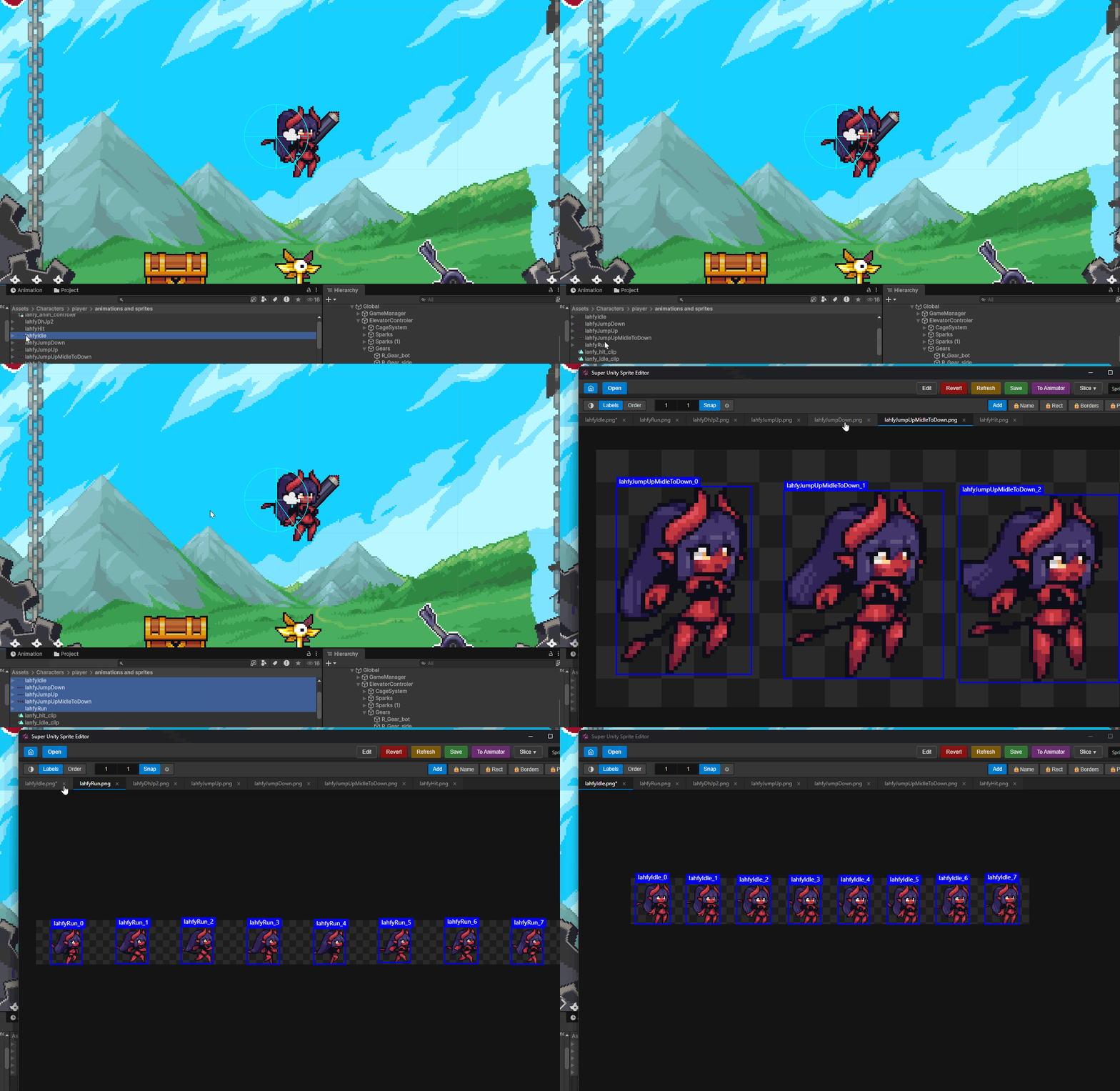
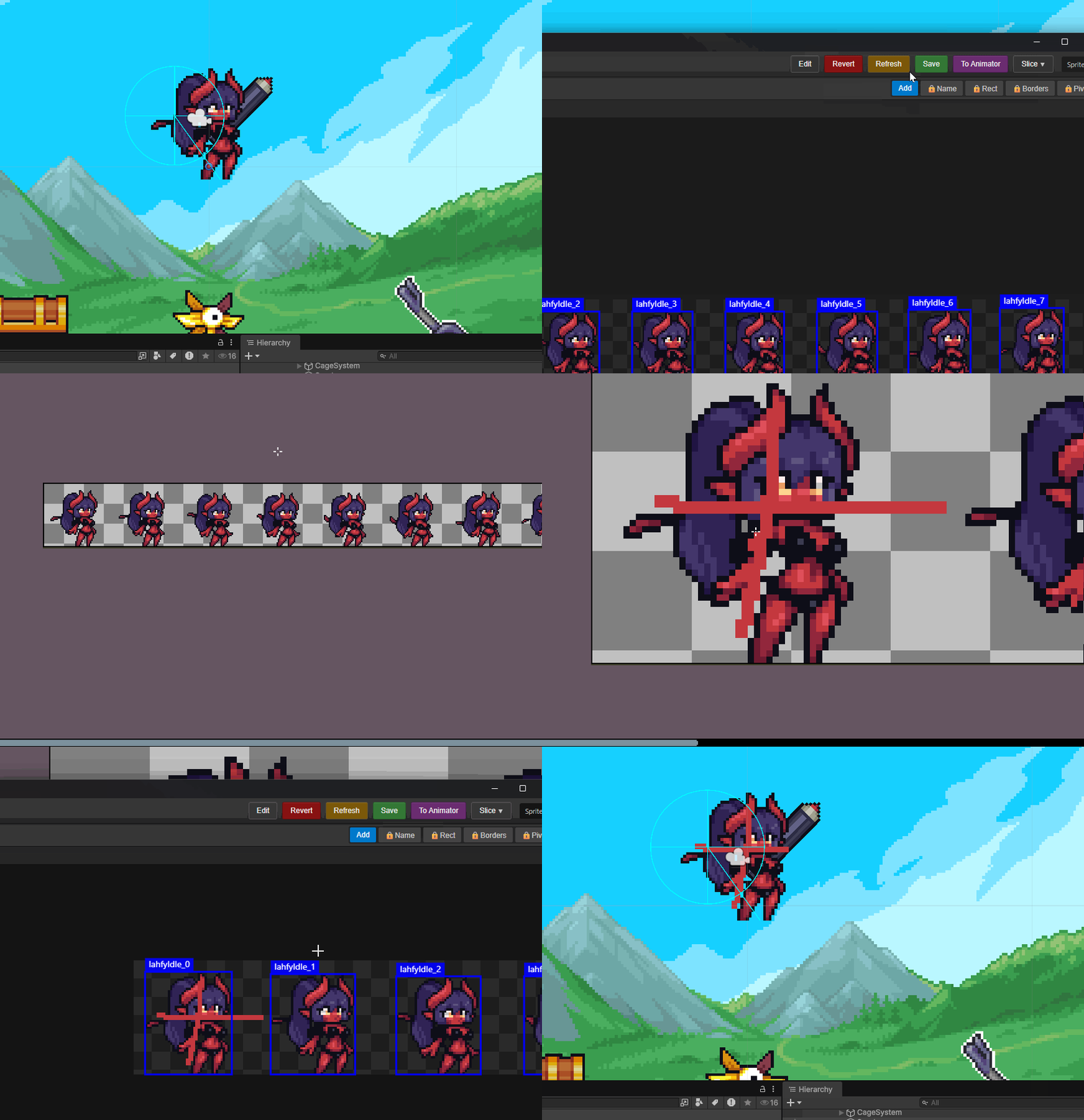
Super Unity Sprite Editor is a fully standalone desktop application for slicing images into Unity-compatible sprites. It replicates almost all necessary functionality of the official editor, but works without needing to launch Unity itself, generating .meta files independently. Changes are reflected in Unity instantly.
The app can be set up inside Unity as an external editor. Inside editor itself, you can open source images for editing in your favorite drawing software with a single click (the tool itself is not meant for drawing).
Key Features
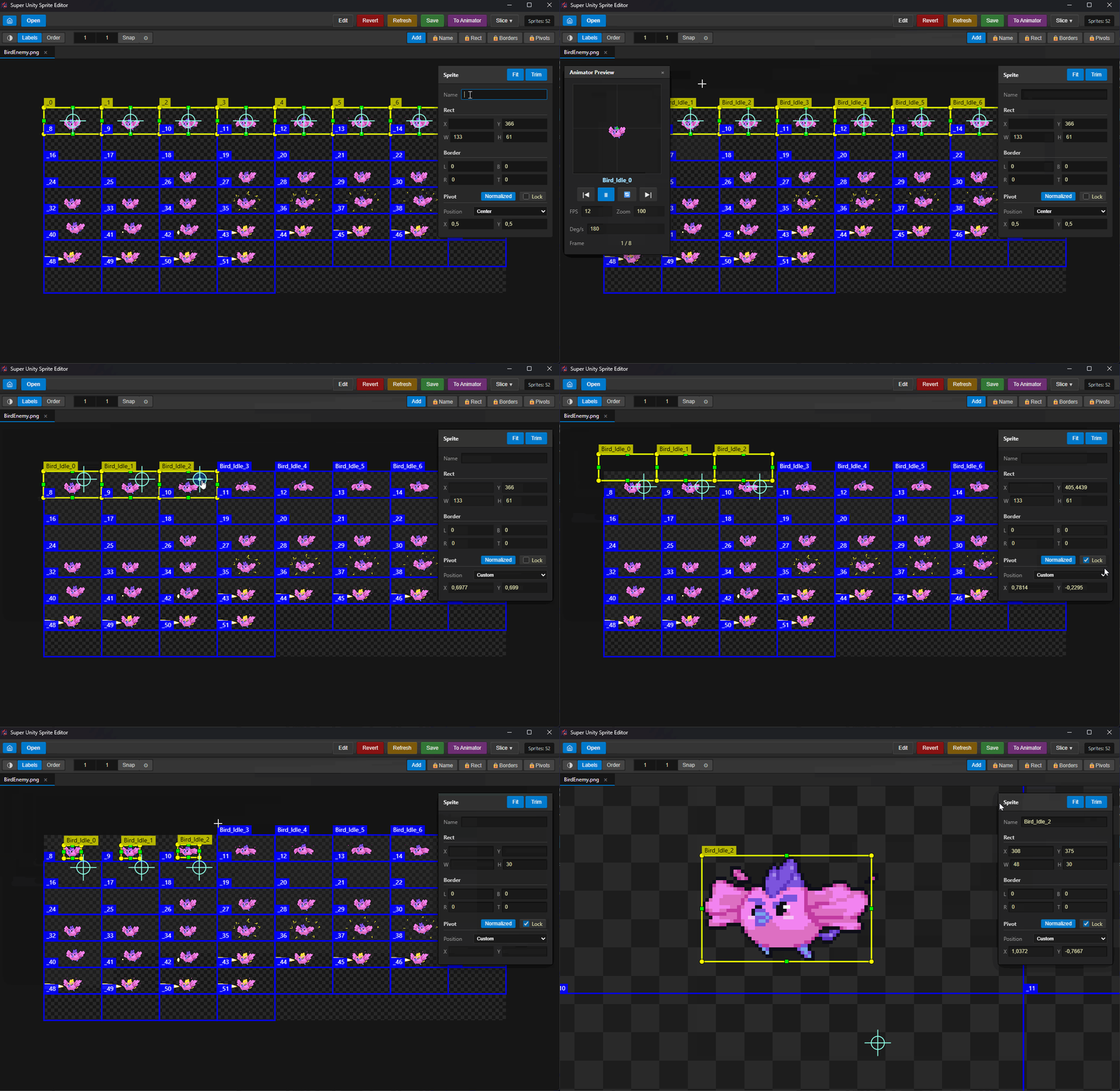
- Lock Pivot (The Most Important Feature): Locks the pivot position, allowing you to modify sprite boundaries however you like without losing the pivot's position on the canvas. Main reason I built this app.
- 100% Standalone: Runs entirely without Unity — no need to launch the engine at all.
- Multi-Tab Workflow: Work with multiple sprites and images simultaneously in convenient tabs.
- Time Machine (Undo / Redo): Full action history stack allowing you to safely undo or redo any edits.
- Session Restore & Recent Files: Remembers your recently opened files and automatically restores your workspace session on launch.
- Auto-Naming: No need to manually rename every single sprite. Give a single name to a selected group, and the app will automatically append numbers.
- Batch Editing: Move and adjust multiple pivots, borders, and properties all at once.
- Mini-Animator: A handy frame-by-frame player to preview sliced animations in motion.
- Smart Fit: An improved Fit feature working alongside standard Trim.
- Gif import support
Technical Details
- Compatibility: Tested .meta on Unity version 6.x.x.x.
- Web Test & Desktop: Built on an HTML/JS/Python stack. You can test the interface right in your browser without downloading, but to work with local files on your PC, you need to download the desktop version.
- File Size: Don't be alarmed by the large archive size. A full web engine is bundled inside — a conscious compromise to make the app fully standalone and work out-of-the-box.
- Fully Offline: Requires no internet connection and collects zero data.
- AI-Driven: Written with the help of AI agents. I don't want to get into debates about their usefulness — the results speak for themselves.
Code:
https://github.com/ZetRayan/SuperUnitySpriteEditor
Download
Install instructions
Just unpack and run SuperSpriteUnityEditor.exe
Leave a comment
Log in with itch.io to leave a comment.